
Gnimu Monitor
Gnimu Monitor is a macOS and iOS app for watching the real-time output of a Gnimu device over Bluetooth Low Energy. I built it to validate the firmware. It reads the Gnimu protocol, so it works with Gnimu and Gnimu-CAN, and the RaceBox data protocol, for Gnimu devices built to stream it. Other devices that stream the RaceBox protocol may work too, but I’ve only tested it with Gnimu.
What it shows
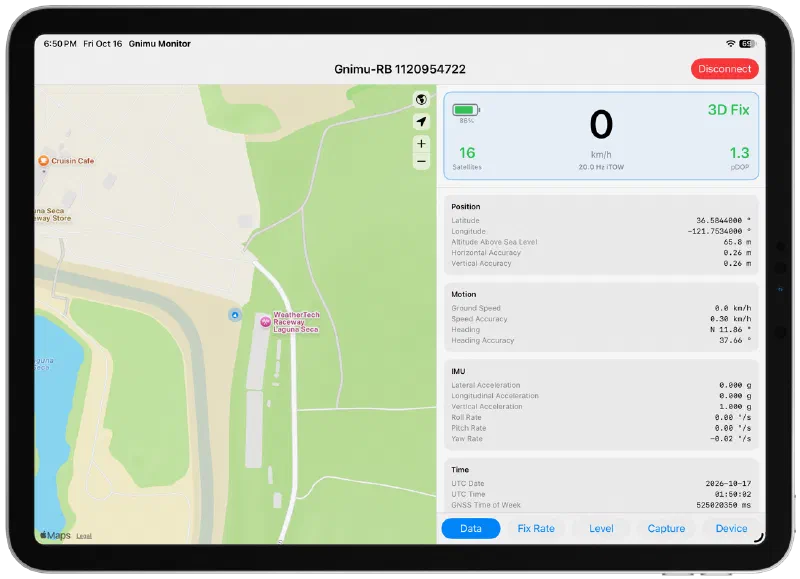
- Glance box: ground speed, with battery level, satellite count, fix status, pDOP and the live fix rate around it. Tap the speed to switch between MPH and KPH.
- Map: the device’s position and heading on a standard or satellite map.
- Data: every field the device reports: position, motion, IMU and time.
- Fix Rate: the rate the device is really producing GNSS fixes, with missed and late fixes and one-minute charts of fix rate and satellite count.
- Level: a bubble level for mounting the device.
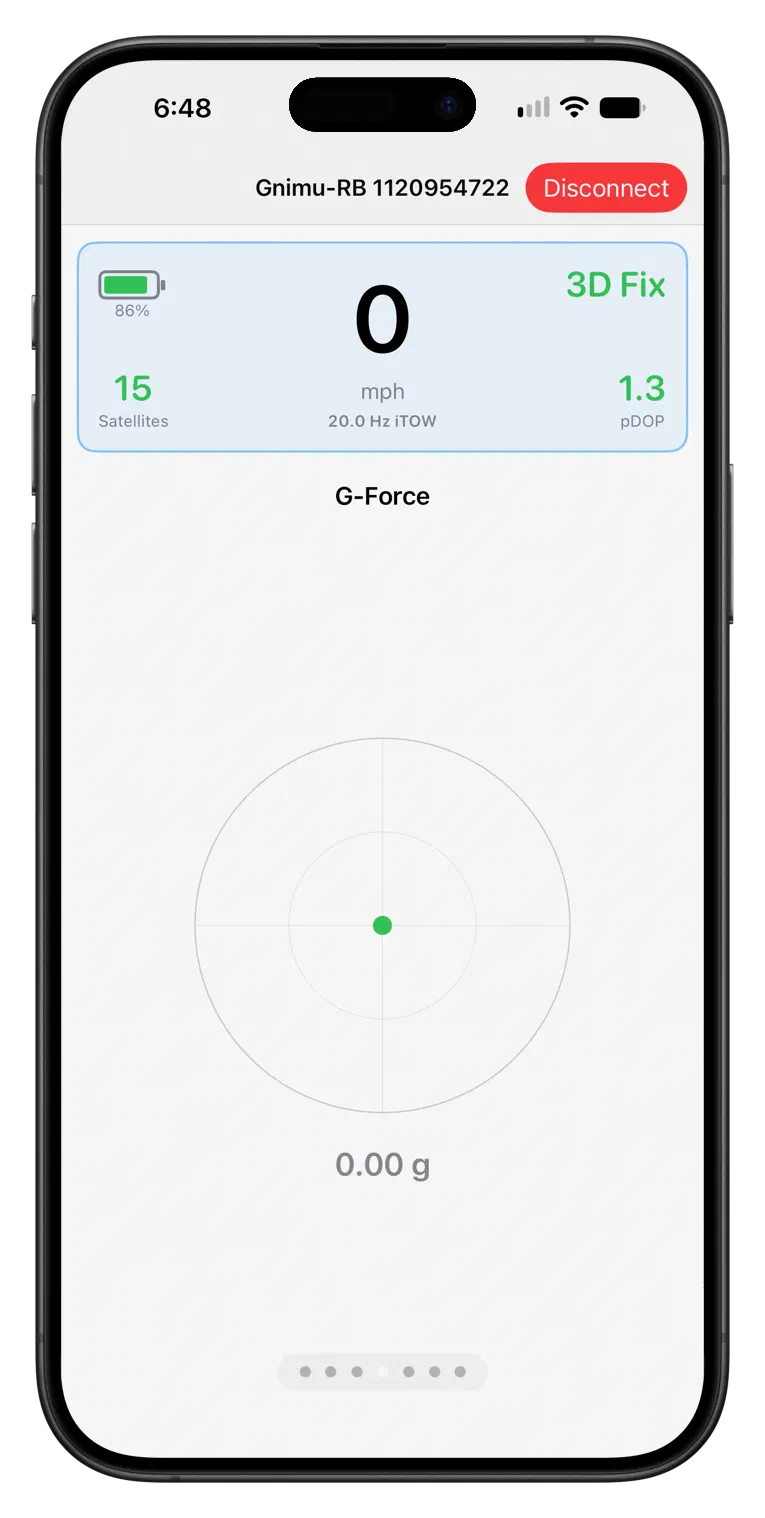
- G-Force (iPhone): a lateral and longitudinal g meter.
- Capture: records the stream to a file and analyses it.
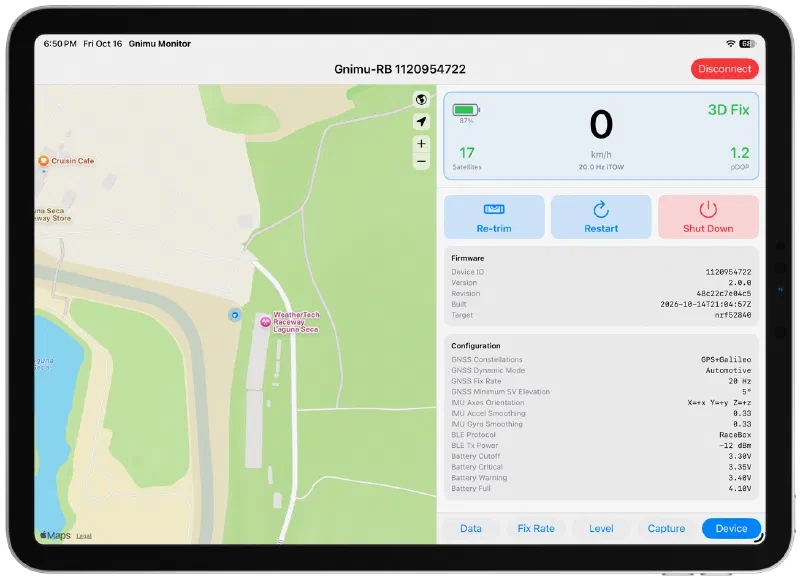
- Device: on devices that support it, the firmware version and build configuration, and buttons to re-trim, restart or shut down the device.
The layout adapts to the screen: map and panels side by side on a Mac or iPad in landscape, and swipeable pages on an iPhone.
Getting it
The app is distributed as source. Open the project in Xcode and build it for your own Mac, iPad or iPhone. Bluetooth does not work in the simulator, so you need a physical device.